TR
TR
 EN
EN
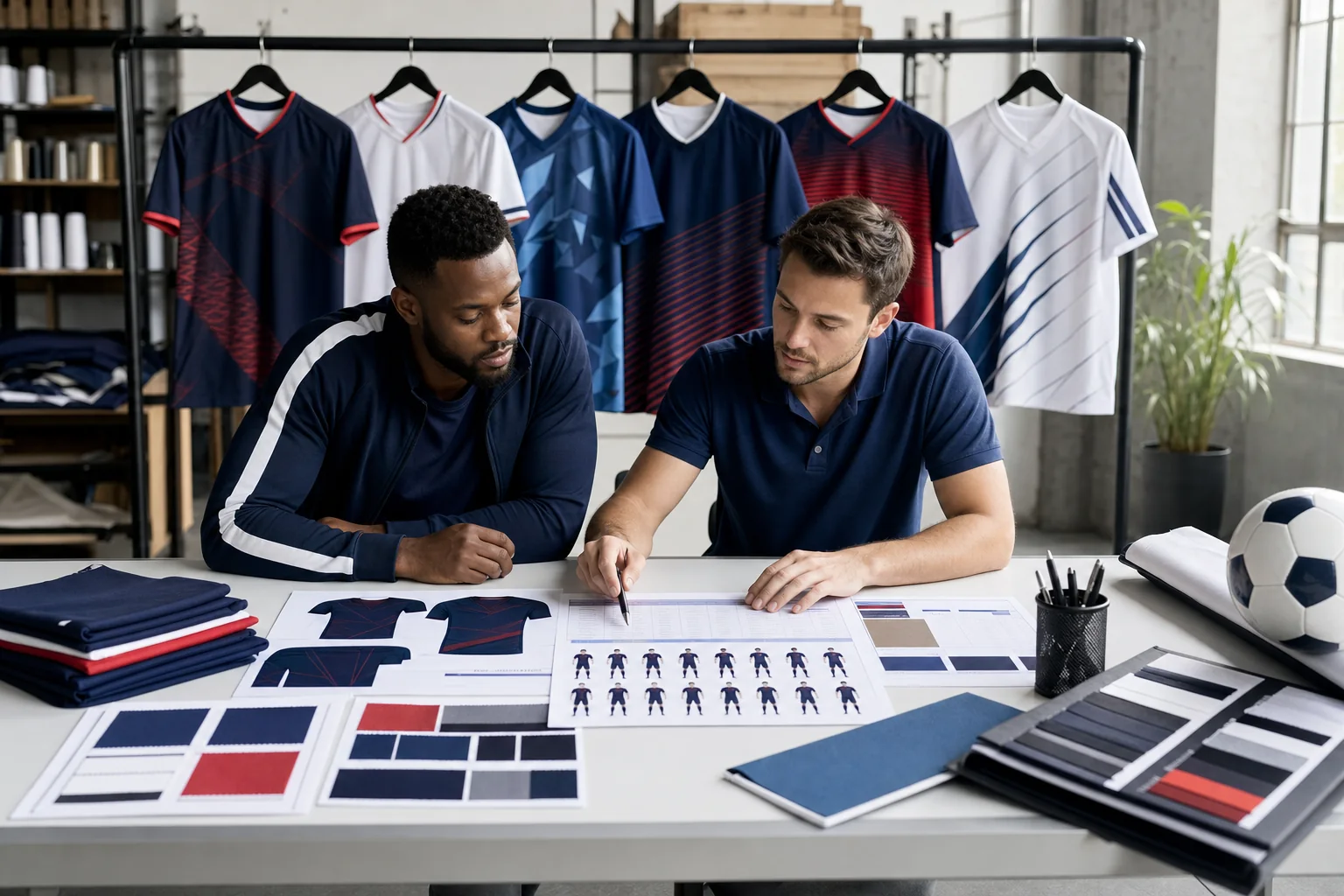
How should an amateur football team plan a custom kit?
A custom kit for an amateur football team should be planned beyond the first match squad. New players, changing sizes, lost shirts, goalkeeper sets and sponsor updates can all appear during the season. A reliable order begins with a consistent visual identity, one approved player list and records that allow the same model to be identified for a future reorder.
Explore Our Models
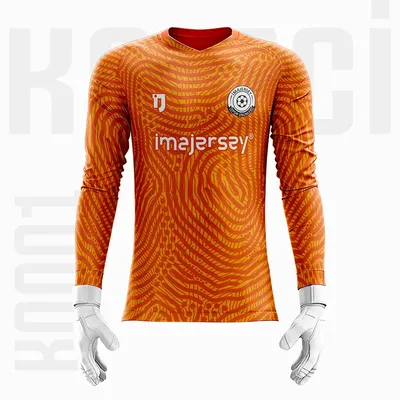
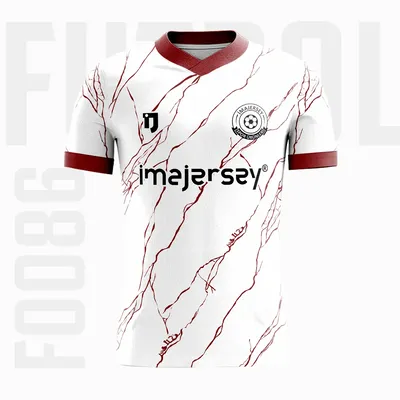
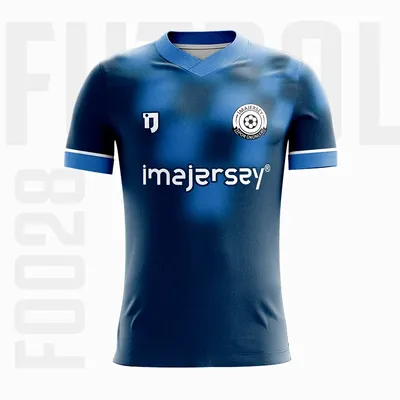
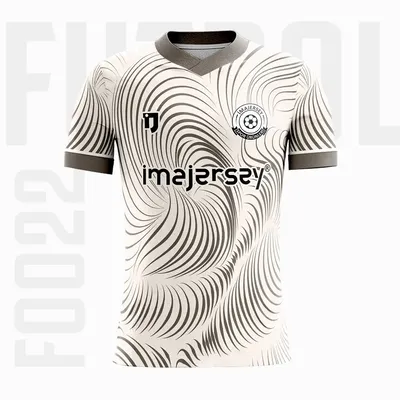
Browse the football kit collection for a starting model, or use the custom jersey service to prepare your own colours, badge or reference image for production. This guide focuses on squad management and reorders rather than repeating the general manufacturing process.
Ready-made shirts or team-specific production?
A ready-made shirt can solve an immediate need, but the same model may not remain available when a new player joins. A custom system combines colours, pattern, badge, names, numbers and sponsors in one approved design. Saving the model code and final artwork reduces the risk of using the wrong shade, font or sponsor in a later order.
Build a clear team identity
Select one primary colour, one supporting colour and a restrained accent. The badge, numbers and sponsors should follow this system. The same colour logic can then be used on match graphics and team media.
- Use the primary colour across the largest area.
- Place the supporting colour on sleeves, shoulders, side panels or shorts.
- Reserve the accent for collars, lines or small details.
- Give numbers strong contrast against the back panel.
Use the logo, sponsor, name and number placement guide to establish a visual hierarchy.
Plan the first squad and substitutes
Do not list only the players available for the next match. Amateur squads change because of work schedules, injury and new registrations. Consider the goalkeeper, substitutes and players expected to join soon. Each row should contain name, number, size, sleeve preference and quantity.
One central table reveals duplicate numbers and conflicting size messages. Small squads can also review the minimum order guide for six custom jerseys.
Keep the size list in one file
Sizes collected through separate messages, voice notes and screenshots create unnecessary risk. Transfer every player into one table and ask the squad to approve the final version. Record later changes with the player name and date.
Do not rely only on everyday T-shirt size. Compare height, weight, preferred fit and a current sports shirt where possible. The team sizing and measurement guide explains the process.
Separate the goalkeeper kit
The goalkeeper can retain the same badge, sponsor hierarchy and typography while using a clearly contrasting colour. A slightly lighter shade of the outfield shirt may not be enough under floodlights. Record goalkeeper name, number and size in separate rows of the master list.
Manage sponsors across the season
Save the final sponsor artwork, approved size and placement. If a sponsor changes, review the full hierarchy instead of adding a random logo to the old design. Use vector SVG, PDF, AI or EPS artwork whenever possible. Add the season to the file name when an agreement is time-limited.
What happens when a new player joins?
Start with the original model code, approved artwork and existing player list. Confirm the new name, number and size, then check whether that number is already in use. The same fabric, colour, collar and personalisation data should be supplied for a reorder.
Small differences can occur between separate fabric or production batches, so do not delay foreseeable additions and keep complete records.
Why save the model code and approval file?
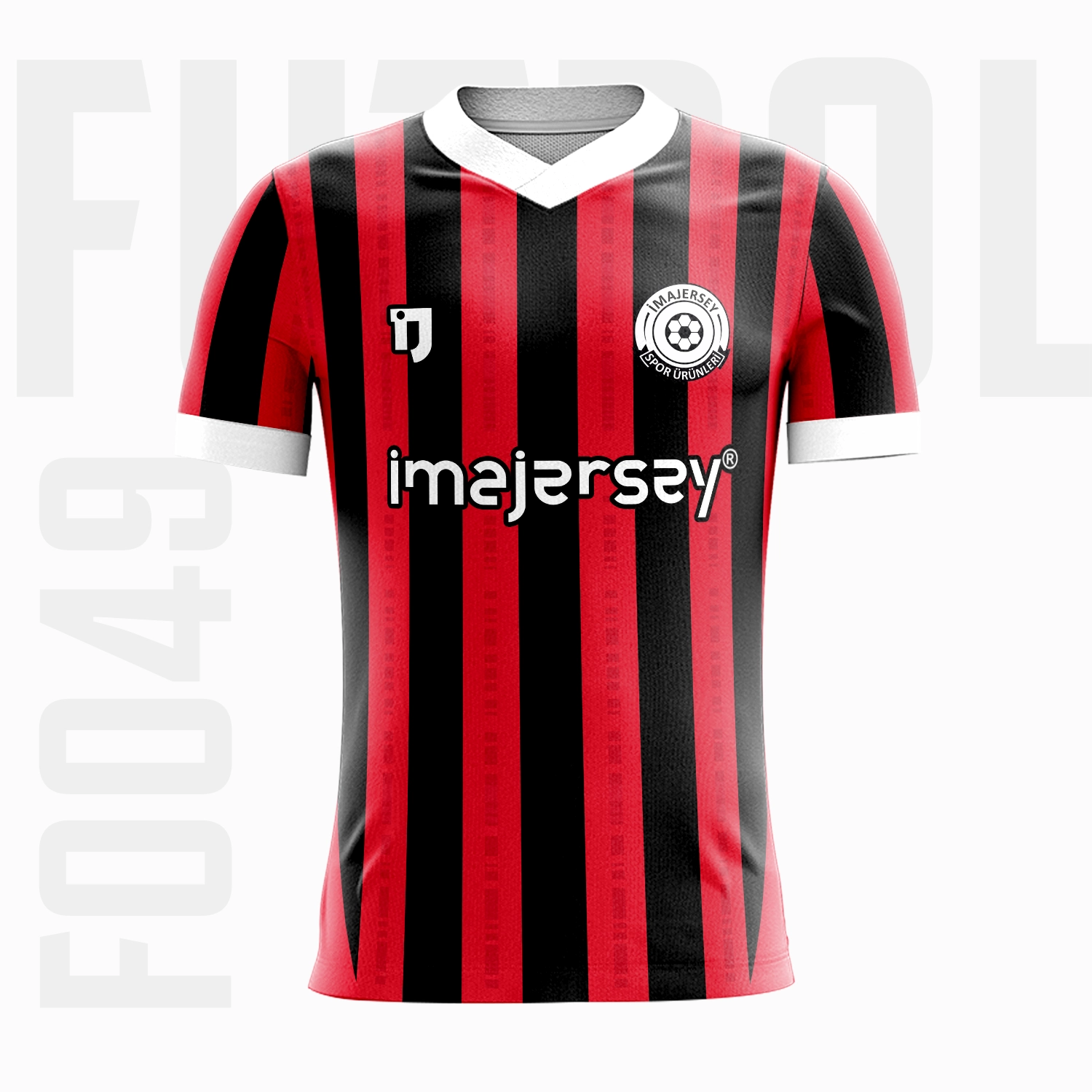
The model code identifies the base design. A project may begin with the F0049 football kit or the F0088 football kit and then be adapted with team colours and print positions. Store the final approval beside the code.
- Model code and final artwork
- High-resolution badge and sponsor files
- Approved name, number and size table
- Fabric, collar and sleeve choices
- Order date and team contact
Pre-order checklist for the team manager
- Is the final team name and badge confirmed?
- Are primary, supporting and accent colours approved?
- Is the goalkeeper clearly different?
- Are all names, numbers and sizes in one table?
- Are any numbers duplicated?
- Are sponsor files and placement priorities approved?
- Are shorts and socks included where required?
- Will the model code and final artwork be archived?
Frequently asked questions
Can one new player shirt be made during the season?
Reorder availability depends on the saved model, current production conditions and minimum quantity. Complete records make assessment faster; confirm the current requirement before planning.
Will a later shirt be exactly the same colour?
The same production data is used, but small differences may occur between separate fabric and production batches. Planning likely season requirements early is helpful.
Can a player number be changed later?
The approved list can be updated before production begins. A completed personalised shirt generally requires replacement rather than a number change.
Can an AI football shirt image be used?
Yes. It must be adapted for front, back, side panels and seams. Review the common AI jersey design mistakes before approval.
Prepare one season file
The most costly mistake is not simply choosing the wrong colour; it is losing control of the player list, model code and final approval. Keep identity and squad records together so the first order and later requirements remain clear.
Explore active football kit models, then contact imajersey with team colours, badge, quantity and the approved player list.